Source-available · Self-hosted · Driven over MCP
Your agent directs. Your server renders.
Ask your AI agent for a reel. It plans every scene over MCP or REST; ReelForge renders it on your own machine into one vertical MP4.
Like this: make a 9-second reel that mixes all four engines
Free for personal use · One-time Commercial licence · No per-video fees to ReelForge1

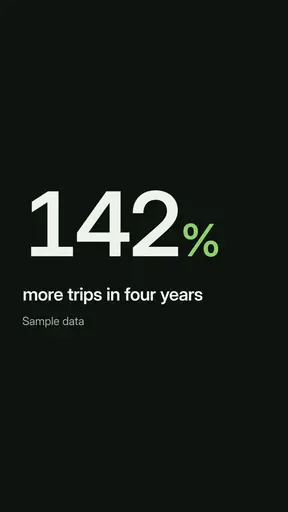
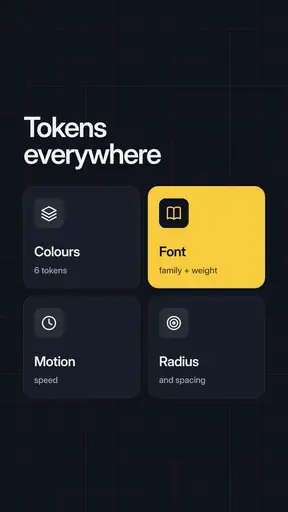
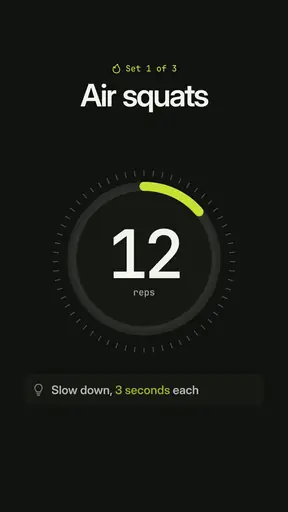
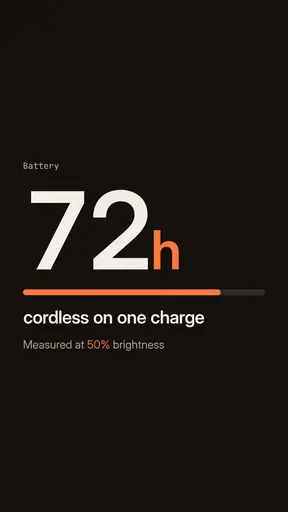
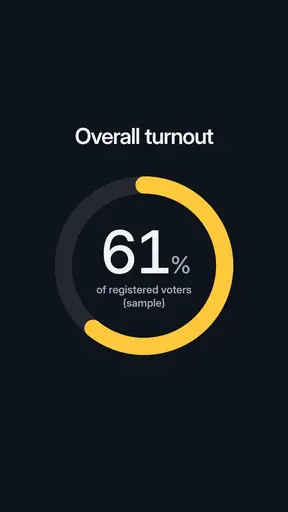


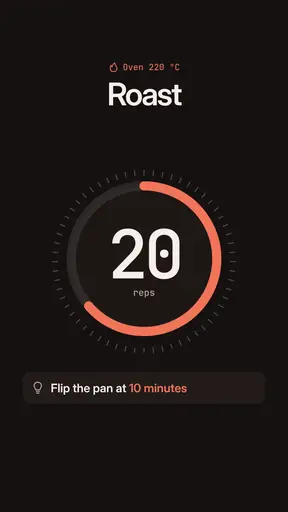
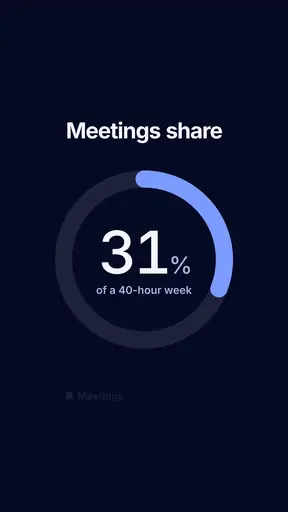
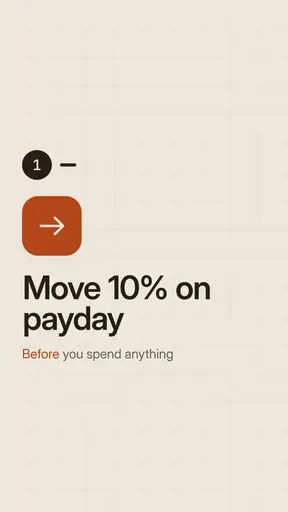
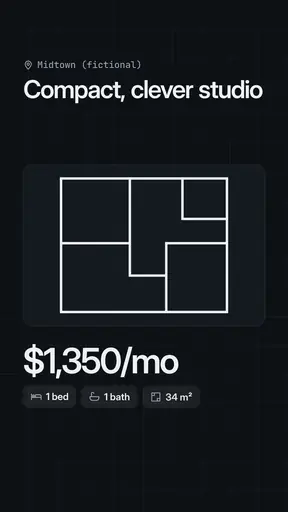
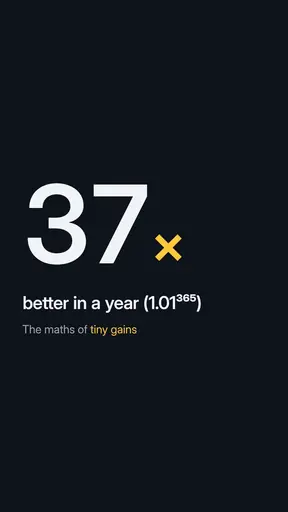
Every poster here is a real render
Frames from reels in the gallery. A script sent each manifest to ReelForge Studio over MCP, the way your agent would, and the studio rendered it.
- Prompt packs
- Per-video credits
- A hosted editor
But this: A studio on your own server


Your agent is the editor
One prompt in. A checked MP4 out
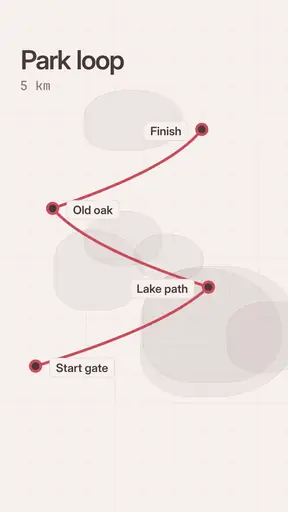
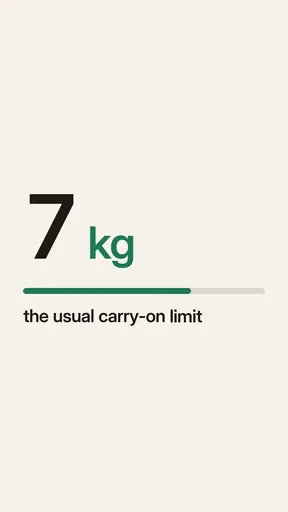
The agent reads what the studio can do, writes the scenes, checks them and renders. These are the real calls that made the reel on the right.
- PromptMake a 10-second vertical reel that explains ReelForge: hook first, then three steps, then an end card. Midnight theme. Use all four engines.
- get_capabilities4 engines available
- list_templates4 templates
- create_projectproject store-agent-directs-mwqr7ifm
- add_scenescene steps (motion-canvas, 3.5 s)
- add_scenescene proof (html, 2 s)
- add_scenescene end (hyperframes, 2 s)
- validate_projectok: true, 0 errors, 0 warnings
- render_projectjob queued
- get_jobsucceeded after 41.3 s
- get_render_output1080×1920 · 30 fps · H264 + AAC · checks pass

We sent these calls from a short script that follows the studio's own workflow guide, so you can rerun them. In the studio's Docker test, headless Claude Code made a reel with the same tools5.
How it works
Three steps to your first reel
Everything after the first key happens from your agent: projects, renders, more keys, settings.
Step 01
Run the studio6
One Docker image with FFmpeg and a headless browser inside, on your computer or a server you run. Keep the first admin key it prints.
git clone https://github.com/buildbase-app/reelforge-studio
cd reelforge-studio
export REELFORGE_BOOTSTRAP_KEY=rf_$(openssl rand -hex 24)
docker compose up -d --build
Step 02
Add your licence key
Claim the free Personal key, or buy a Commercial key, on this site. The studio checks it once a day and keeps rendering offline for 14 days.
docker compose exec reelforge reelforge licence activate YOUR-KEY
docker compose restart reelforge
Step 03
Connect your agent
Give your agent the MCP address and a key, then ask for a reel. Or call the REST API from a script.
claude mcp add --transport http reelforge http://127.0.0.1:4321/mcp \
  --header "Authorization: Bearer $REELFORGE_KEY"
Connect your agent
Paste one line. Ask for a reel
Your instance, your keys. Keys carry scopes (read, write, render, admin) and are stored hashed.
Add the studio as an HTTP MCP server, then ask for a reel.
export REELFORGE_KEY=rf_...   # a key from: reelforge keys create --name agent
claude mcp add --transport http reelforge http://127.0.0.1:4321/mcp \
  --header "Authorization: Bearer $REELFORGE_KEY"
claude mcp list   # reelforge: http://127.0.0.1:4321/mcp (HTTP) - Connected
One command, or two lines in ~/.codex/config.toml.
export REELFORGE_KEY=rf_...   # a key from: reelforge keys create --name agent
codex mcp add reelforge --url http://127.0.0.1:4321/mcp --bearer-token-env-var REELFORGE_KEY[mcp_servers.reelforge]
url = "http://127.0.0.1:4321/mcp"
bearer_token_env_var = "REELFORGE_KEY"Streamable HTTP with a Bearer key. Most clients read this mcpServers shape; check yours for the exact field names.
{
  "mcpServers": {
    "reelforge": {
      "type": "http",
      "url": "http://127.0.0.1:4321/mcp",
      "headers": { "Authorization": "Bearer rf_..." }
    }
  }
}
Every MCP tool has a REST route under /v1, for scripts, n8n or cron.
export REELFORGE_KEY=rf_...   # a key from: reelforge keys create --name agent
H="Authorization: Bearer $REELFORGE_KEY"
curl -s -H "$H" http://127.0.0.1:4321/v1/capabilities
curl -s -X POST -H "$H" -H 'content-type: application/json' \
  -d @manifest.json http://127.0.0.1:4321/v1/projects
curl -s -X POST -H "$H" http://127.0.0.1:4321/v1/projects/my-reel/renders    # -> job.id
curl -s -H "$H" "http://127.0.0.1:4321/v1/jobs/JOB_ID?wait=45"               # -> result.renderId
curl -s -H "$H" -o reel.mp4 http://127.0.0.1:4321/v1/renders/RENDER_ID/output{
"schemaVersion": "0.2",
"projectId": "my-reel",
"title": "My reel",
"theme": "midnight",
"output": { "width": 1080, "height": 1920, "fps": 30, "format": "mp4" },
"scenes": [
{ "id": "hook", "engine": "remotion", "template": "kinetic-title",
"durationSeconds": 3, "props": { "headline": "Made over REST" } }
]
}Engines
Four engines. One MP4
Each scene names its engine. ReelForge renders the clips and joins them with exact frame counts, so the timing your agent wrote is the timing you get.
Remotion1
React components, rendered frame by frame.
kinetic-title · v4.0.545
Motion Canvas
Generator-based scenes, rendered without the editor by ReelForge’s own headless harness.
animated-explainer · v3.17.2
HTML and CSS
Your agent can write the scene itself. Animations are seeked frame by frame in a browser sandbox with no network.
html-title
HyperFrames
Timeline compositions, rendered locally by the HyperFrames renderer with its telemetry switched off.
hyperframes-title · v0.9.77
Made with ReelForge
Real renders. Nothing mocked up
Every clip here was rendered by the studio over MCP. The prompt under it asks for the same reel: copy one and give it to your agent.
See all reels in the gallery
Explainer, four engines
Remotion · Motion Canvas · HTML · HyperFrames · 10 s · rendered in 41.2 s2
Make a 10-second vertical reel that explains ReelForge: hook first, then three steps, then an end card. Midnight theme. Use all four engines.

Tips reel
Remotion · Motion Canvas · HTML · 8 s · rendered in 25.7 s2
Make an 8-second reel with three tips for writing a better hook. Default theme, bold title first, end on a call to follow.

Release notes, custom brand colour
HTML · Motion Canvas · HyperFrames · 7 s · rendered in 24.3 s2
Turn our release notes into a 7-second reel: a custom HTML title card in our teal brand colour, the three changes as a list, and a HyperFrames end card.


- engines in one reelSource: the agent-directs reel above, one scene per engine
- 4
- MCP tools. Every REST route has one.3Source: studio docs/public/mcp/tools.md @ f79f5c6
- 61
- 30 fps, H.264 + AAC, checked with ffprobe and a full decodeSource: render-manifest.json of the tips reel
- 1080×1920
- to render the 8-second tips reel above2Source: render-manifest.json, wall clock
- 25.7 s
Self-hosted and private
Your server. Your files. Your keys
Own the studio instead of renting one: renders run on hardware you control, and nothing leaves it unless you set it up.
Stays on your machine
- Projects, manifests, assets, renders and logs, in your data folder or your own bucket.
- API keys, stored as salted hashes. Provider keys, encrypted at rest.
- No telemetry, no update checks, no error reports from ReelForge.
Leaves only when you set it up
- The licence check: your key and a random instance id, at start and once a day.
- Your voice provider, when you set its key and your agent asks for a voice.
- Web addresses you ask it to fetch: https only, private networks refused.
- Your storage bucket or OpenTelemetry collector, if you set one up.
Every connection the studio can make is listed in its privacy and egress document.
Ready for the server room
A job queue in your database
- api and worker roles
- job priorities
- fan-out over workers
- KEDA autoscaling
Your database, your storage4
- SQLite
- PostgreSQL
- MySQL
- S3-compatible
- Azure
- GCS
Keys you can hand to an agent
- scopes
- expiry
- rotation
- IP allowlists
- quotas
An audit log and webhooks
- every write call
- signed webhooks
- Slack
- replay
Logs, metrics and traces
- JSON logs
- Prometheus
- OpenTelemetry
A hardened image
- non-root
- read-only root
- seccomp
- SBOM
- arm64
Planned, not shipped: signed images (the signing step runs once release publishing starts) and rendering on your own AWS account with Remotion Lambda.
Pricing
Pricing
Free for personal use. A one-time Commercial licence for anything that earns money. Every key activates the released Docker image on your own machine or cloud server. Prices come straight from the store.
Noncommercial use only: hobby, study, research and evaluation. Needs a free BuildBase account.
What is included
- Personal licence key (1 server, noncommercial)
- Getting started
For anything that earns money: monetised channels, client work, a business. One-time licence.
What is included
- Licence key (1 server)
- Getting started
For anything that earns money: monetised channels, client work, a business. One-time licence.
What is included
- Licence key (3 servers)
- Getting started
For anything that earns money: monetised channels, client work, a business. One-time licence.
What is included
- Licence key (10 servers)
- Getting started
Launch prices end 16 December 2026, 13:00 UTC. Regular prices apply after that.
ReelForge includes Remotion-based templates. Remotion is free for individuals and companies of up to 3 people; larger companies need their own Remotion licence (remotion.dev/license). Remotion is not covered by either ReelForge licence. ReelForge also includes Motion Canvas, HTML and HyperFrames engines.
Which licence do I need? See every licence and what it includes
Questions
What is ReelForge?
ReelForge is a source-available, agent-driven studio for short vertical videos. You self-host it (in Docker, on a computer or cloud server you control), and your AI agent drives it over REST and MCP: the agent plans every scene and its timing, and ReelForge renders the scenes with four engines (Remotion, Motion Canvas, HTML and HyperFrames) into one MP4. It is free for personal use; commercial use needs a one-time Commercial licence.
How does my AI agent use it?
ReelForge serves a REST API and an MCP server on your machine. Your agent creates a project, adds scenes, checks the project and renders it, then fetches the MP4. In our own test, headless Claude Code made an 18-second reel that used all four engines, over MCP only.
Where does it run?
On a computer or cloud server you control, in Docker. ReelForge itself runs no render service for you. Rendering on serverless cloud services (for example AWS Lambda) is not supported yet.
Is it a subscription?
No. Personal use is free, and a Commercial licence is paid once. There are no per-video fees to ReelForge. Remotion (for companies over 3 people) and any voice provider you use bill you directly.
Can I read the source code?
Yes. ReelForge is source-available: every line is public on GitHub. You may use it for noncommercial purposes under the PolyForm Noncommercial License 1.0.0; any commercial use needs a Commercial licence. You may not resell, redistribute or rebrand it, or offer it as a hosted service, and forks must be renamed. See LICENSING.md.
What counts as commercial use?
Any use by or for a business, or any use meant to earn money, directly or indirectly. For example: videos for a monetised social account, client or agency work, marketing for a business, use inside a company, or as part of a paid product or service. When in doubt, it is commercial, or ask us. Charities, schools, public research and government bodies using it noncommercially can use the free Personal licence.
Can I buy it now?
ReelForge is in early access. The pricing page shows the free Personal licence and the Commercial licences, straight from the store; while it says "Not on sale yet", join the waitlist to hear first.
Give your agent a studio
Start with the free Personal licence. Upgrade to Commercial when it starts earning.
Notes
- No per-video fees to ReelForge. Remotion requires its own licence for companies of more than 3 people (remotion.dev/license), and a voice provider you set up bills you directly. Motion Canvas, HTML and HyperFrames scenes carry no Remotion fee.
- Render times are the wall-clock time in each render's render-manifest.json, one run each on 2026-11-21: ReelForge Studio 0.1.0 (development build, licence check off), Intel Xeon @ 2.10 GHz, 4 vCPU, 16 GB RAM, Linux x64, FFmpeg 6.1.1-3ubuntu5, Google Chrome for Testing 157.0.8103.78. They vary: a second run of the same three reels on the same machine took 60.2 s, 37.3 s and 29.4 s while other work shared it. Not a benchmark.
- Counted from the studio's generated tool reference (docs/public/mcp/tools.md, ReelForge Studio 0.1.0, commit f79f5c6, read 2026-11-23), which is built from the server's tool registry. The studio's parity test fails if a REST route has no MCP tool.
- S3-compatible storage is tested with MinIO; Azure Blob and Google Cloud Storage on their emulators. AWS S3, Cloudflare R2 and other providers are not tested yet.
- In the studio's Docker test (2026-11-21), headless Claude Code made an 18-second, four-engine reel over MCP only, with no other docs. Codex: its config is checked, but no Codex agent run is recorded yet.
- Docker on Linux, tested on x64 and arm64. macOS and Windows are not tested yet.